Just talk.It types.
Push-to-talk voice input for coding with AI. On your machine, in most desktop apps, without sending speech to a server.
A capsule appears, you speak, the words are already in the file.
No window to switch to, no dictation box to copy out of. VocalCode types into the active text field in most desktop apps — your editor, terminal, chat or code review.
export async function refreshSession(id: string) {
const row = await db.get(id)
//
}
Speech recognition on your CPU
Audio is decoded on this computer. Responsiveness varies with hardware, audio length, language and model; we do not publish an unsupported latency promise.
of audio uploaded
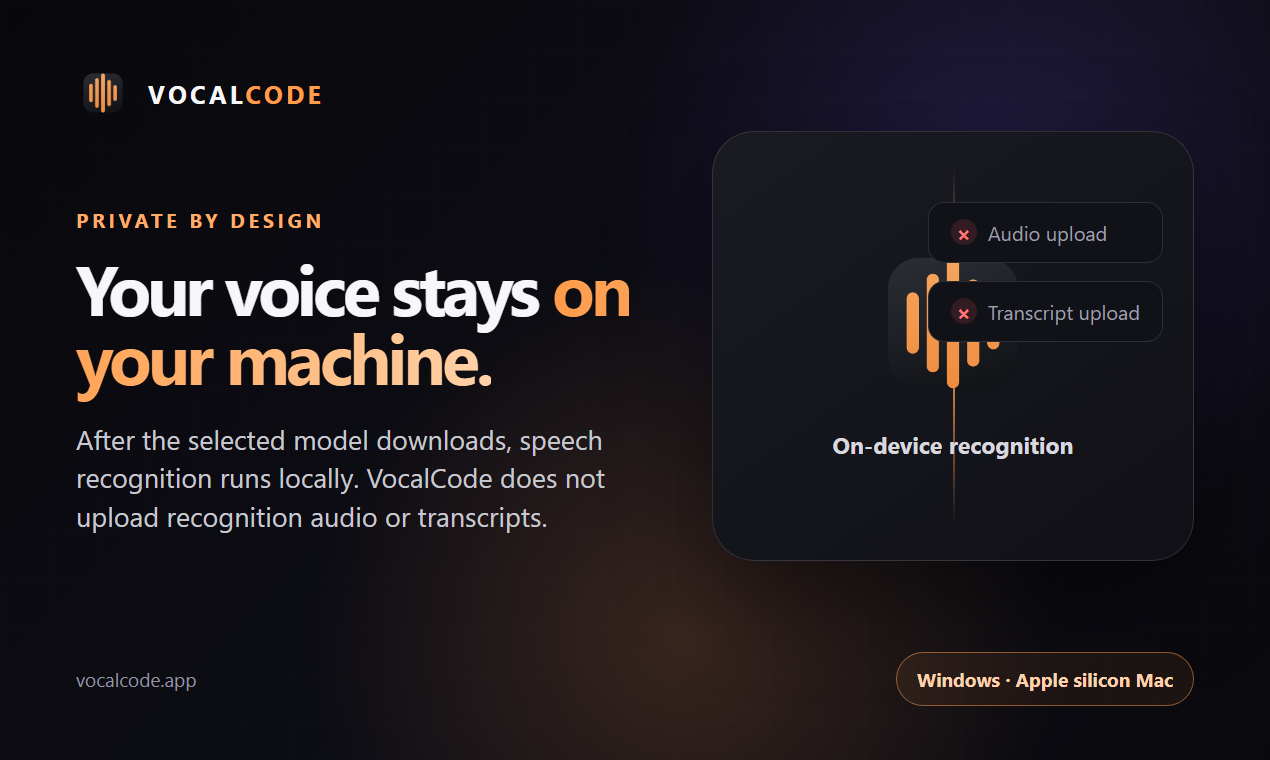
Recognition sends no audio or transcript. Model downloads and update checks use the internet.
Four on-device models
Choose one of 25 European language preferences, Mandarin Chinese, Hindi, Korean or Japanese. Parakeet detects European languages automatically; Chinese and English offer measured CPU choices; SenseVoice handles Korean and Japanese and is the balanced default for Chinese and English; Hindi uses the tested Qwen3-ASR route. The 25 European labels are previews pending per-language product testing. After the model is downloaded, recognition works with the wifi off.
Your voice. Your computer.
Download the full app for free. No payment, account or activation is required.
Forty seconds, and you'll get it
Local voice input
Questions
Does my voice go to the cloud?
Speech audio stays on this computer.
- Recognition runs on your own CPU; audio is never uploaded
- New installs save dictation history encrypted on this device for one week by default; you can change retention or turn it off
- Existing installations keep their history settings when updated
- Model downloads and update checks use the internet
- After model download, recognition works offline
- No account or activation is required
Which key do I hold?
- All of them are live at once — plug in a mouse or undock and nothing needs changing
- Rebind any of them in Settings
Where can it type?
Into the active text field in most desktop apps.
- Windows cannot inject text into an app running with higher administrator privileges
- Password and other secure fields, plus some apps, may reject synthetic input
- macOS text insertion requires Accessibility and Input Monitoring permission
Which languages?
- Choose Hindi, Mandarin Chinese or one of Parakeet's 25 listed European languages
- The European choices share one auto-detecting model; choosing a label does not constrain decoding
- Those 25 European choices are model-supported previews while release-binary tests are completed
- Mandarin Chinese offers three local models for speed, balance or high context
- Korean and Japanese use a dedicated on-device model
- Hindi uses the tested local Qwen3-ASR model
- Cantonese, Thai and Vietnamese are not available
Can it record meetings?
Yes — locally, after you explicitly press Start meeting.
- Record microphone, system audio, or both, with every participant's permission
- Import common audio formats and create timestamped transcripts, bookmarks and evidence-linked extractive notes
- Export Markdown, text, JSON or SRT; nothing is uploaded
- Meeting files are stored locally and are not encrypted by VocalCode
- Windows supports system-output capture; macOS system audio requires macOS 14.6 or later
Is VocalCode free and open source?
VocalCode is free and open source. No payment, account or activation is required.
- Desktop source is published under AGPL-3.0-only
- Read the source and build instructions
- Models and third-party components have their own licences
Mac?
- macOS 11 or later on Apple Silicon (arm64)
- Developer ID-signed and notarised by Apple for Gatekeeper
- First launch asks for Microphone, Accessibility and Input Monitoring
- Accessibility lets VocalCode check the focused target; recognised text is sent with native macOS input events
- The app names each one and why it needs it